Can't remember the password? Start here, not with guesses
Repeated wrong guesses can lock you out on many sites, so stop after two attempts. Button wording may differ, but a typical Cleobetra Login recovery looks like this:
- Open the official site in a fresh browser tab and tap the Login button, normally in the top corner.
- Look under the password field for a line such as Forgot password and select it.
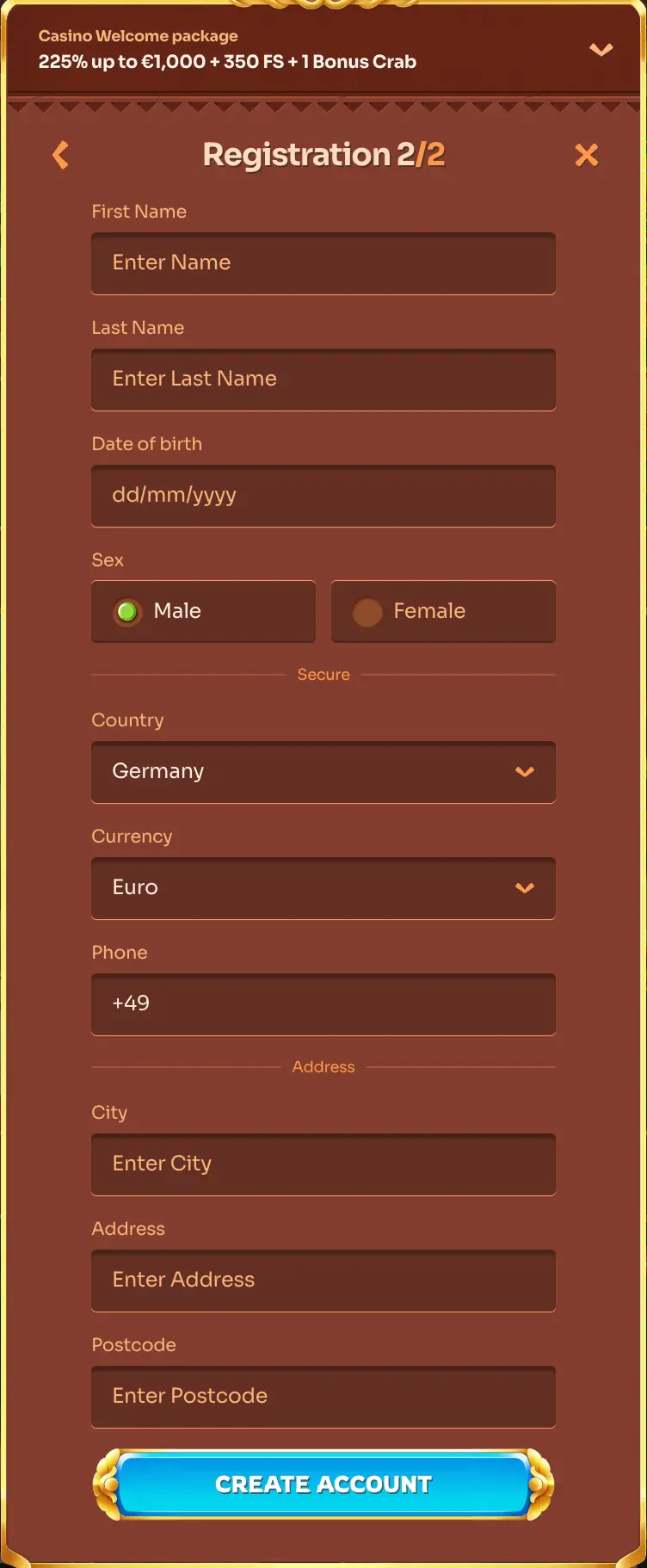
- Type the email address you used when you registered, then submit the form.
- Open your inbox and look for a message with a reset link. Check the spam folder if nothing shows up after a few minutes.
- Choose a new password that you have not used elsewhere, save it, and return to the login page to sign in with it.
Unsure which email you registered with? Try your other addresses rather than creating a second account, which can complicate identity checks.
Sign in here